
Many UK small business WordPress sites suffer from slow load times and security risks that drive visitors away. Poor hosting choices, misconfigured caching, and weak security measures create friction that hurts your bottom line. This guide offers a practical roadmap tailored for UK businesses to transform WordPress hosting performance, improve Core Web Vitals, and strengthen defences against threats.
Table of Contents
- Prerequisites: What You Need Before You Start
- Choose UK-Based High-Performance Hosting
- Implement Caching And CDN Strategies
- Enhance Security And Backup Processes
- Monitor Performance And Core Web Vitals
- Common Mistakes And Troubleshooting
- Expected Results: Realistic Performance And Security Outcomes
- Discover How Rivet Cloud Hosting Can Streamline Your WordPress Optimisation
- Frequently Asked Questions
Key takeaways
| Point | Details |
|---|---|
| UK-based managed hosting | Reduces server response time and improves Core Web Vitals by up to 30%. |
| Full-page caching and CDN | Cuts load times by 50-70% when properly configured with UK nodes. |
| SSL, WAF, and daily backups | Lowers security breach risk by over 70% while protecting data integrity. |
| Core Web Vitals monitoring | Tracks LCP, INP, and CLS to maintain speed gains and catch regressions early. |
| Plugin audits | Prevents CPU overload by removing poorly coded or excessive plugins. |
Prerequisites: what you need before you start
Before diving into optimisation, gather the essentials to ensure a smooth workflow and avoid costly mistakes. You need basic WordPress knowledge to navigate admin dashboards and understand settings. Familiarity with hosting control panels like DirectAdmin or cPanel helps you configure server options confidently.
Access to your current hosting control panel and WordPress admin dashboard is non-negotiable. You'll modify server configurations, install plugins, and adjust caching rules. Without proper access credentials, you're stuck before you begin.
Establish selection criteria for UK-based hosting infrastructure before making the switch. Evaluate server location, storage type (NVMe preferred), processor performance (AMD Ryzen recommended), and uptime guarantees. UK data centres reduce latency for your local audience and comply with regional data protection standards.
Backup solutions must be in place before making any workflow changes. A failed plugin update or misconfigured cache can take your site offline. Daily automated offsite backups protect against data loss and give you the freedom to experiment safely.
Pro tip: Create a staging environment to test changes before applying them to your live site, reducing downtime risk.
Essential preparation checklist
- Confirm admin access to WordPress dashboard and hosting control panel
- Document current site performance metrics as a baseline
- Set up automated daily backups with offsite storage
- Research UK-based hosting providers with modern infrastructure
- Install a staging plugin or request staging access from your host
Hosting selection criteria
| Criterion | Minimum Standard | Ideal Standard |
|---|---|---|
| Server location | UK or Western Europe | UK data centre (Coventry, London) |
| Storage type | SSD | NVMe SSD |
| Processor | Intel Xeon | AMD Ryzen 5000 series or newer |
| Uptime guarantee | 99.5% | 99.9% or higher |
| Backup frequency | Weekly | Daily with offsite storage |
Choose UK-based high-performance hosting
Shared hosting may seem cost-effective, but bottlenecks emerge quickly as traffic grows. Multiple sites compete for the same CPU, RAM, and bandwidth, causing unpredictable slowdowns. VPS or managed WordPress hosting isolates your resources and delivers consistent performance.
Look for hosting with NVMe SSD storage and AMD Ryzen processors. NVMe drives read and write data significantly faster than traditional SSDs, slashing database query times. AMD Ryzen chips handle multiple processes efficiently, keeping your site responsive under load.
Server location in the UK reduces latency and improves speed metrics such as Largest Contentful Paint (LCP). When your hosting infrastructure sits close to your audience, data travels shorter distances. Choosing UK-based managed WordPress hosting reduces server response time critical for Core Web Vitals, improving LCP by up to 30%, giving you an edge in search rankings and user experience.
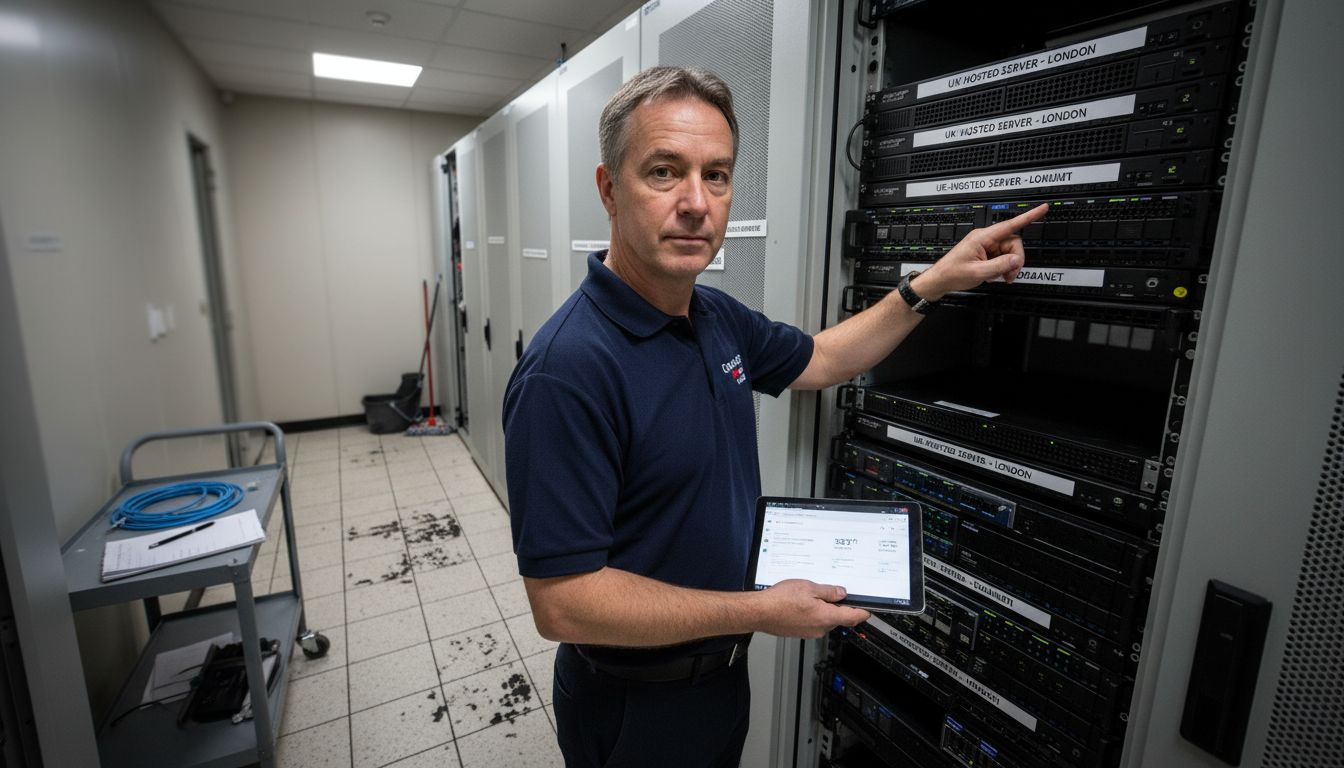
Managed WordPress hosting providers handle server updates, security patches, and performance tuning automatically. This frees you to focus on content and business growth rather than technical maintenance.
Pro tip: Request server location details from potential hosts and verify they operate UK data centres rather than reselling foreign infrastructure.
Shared hosting vs managed VPS comparison
| Feature | Shared Hosting | Managed VPS Hosting |
|---|---|---|
| Resource allocation | Shared pool | Dedicated CPU/RAM |
| Performance consistency | Variable | Stable |
| Scalability | Limited | Easily upgraded |
| Server-level control | Minimal | Full root access |
| Security isolation | Vulnerable to neighbour attacks | Isolated environment |
| Price range | £3-£10/month | £20-£80/month |
Key features to prioritise
- UK data centre locations for low latency
- NVMe SSD storage for faster database operations
- AMD Ryzen processors for efficient multitasking
- Free SSL certificates included
- Daily automated backups with easy restore
- 24/7 UK-based support
Implement caching and CDN strategies
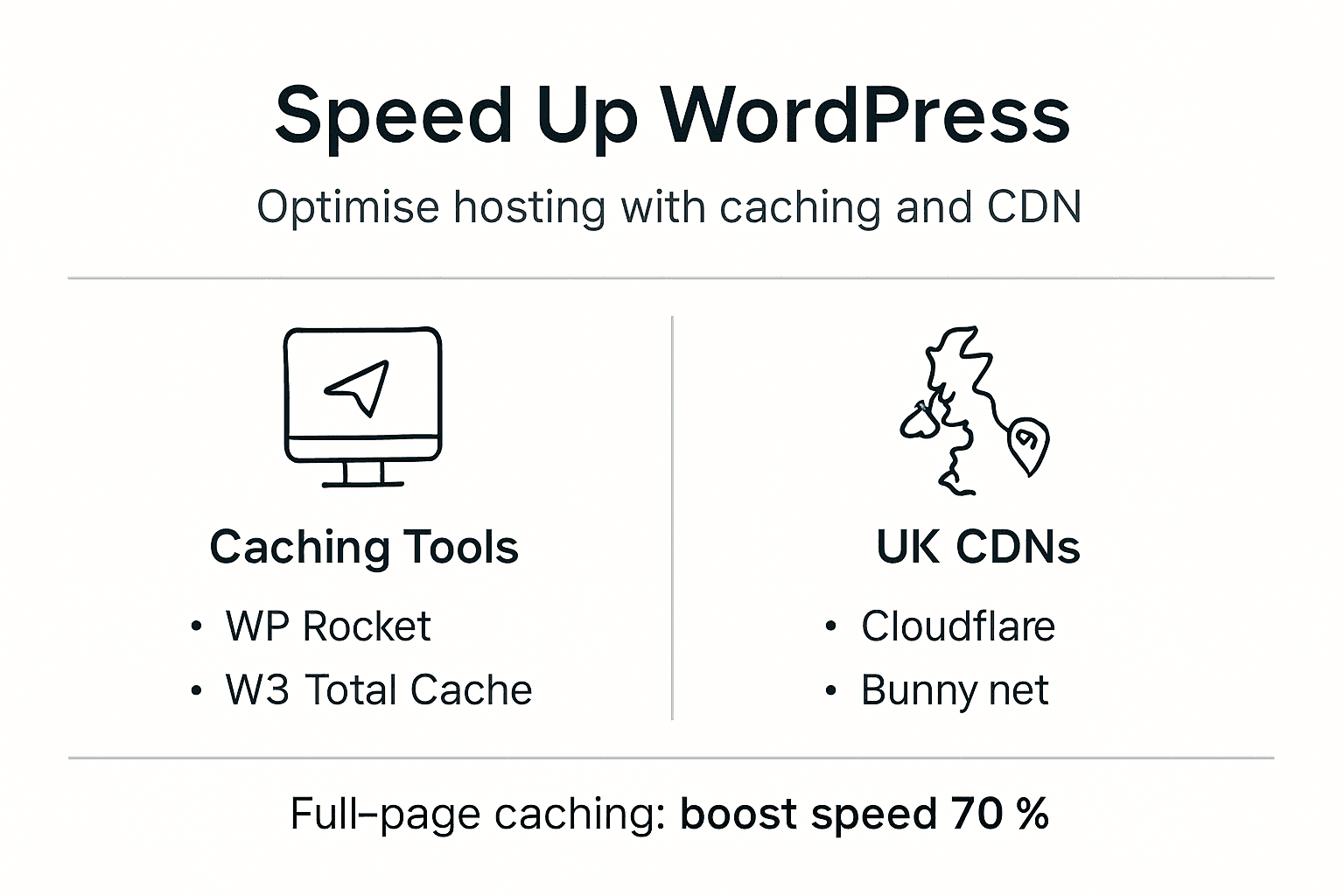
Caching stores pre-built versions of your pages, eliminating the need to generate content from scratch on every visit. Full-page caching saves entire HTML pages, object caching stores database query results, and browser caching tells visitors' browsers to save static assets locally. Each layer compounds to create dramatic speed improvements.
Popular caching plugins like WP Rocket or W3 Total Cache simplify setup with user-friendly interfaces. Install your chosen plugin, enable full-page caching, and configure cache lifespan based on how frequently you update content. Static sites benefit from longer cache durations, whilst news sites need shorter periods to keep content fresh.
A CDN with UK presence reduces geographic latency by serving assets from servers close to your visitors. Cloudflare and StackPath maintain nodes across the UK, using a CDN with UK data centres reduces asset delivery latency to under 50 milliseconds for local visitors. This speeds up image, CSS, and JavaScript delivery substantially.
Configure cache durations thoughtfully for dynamic content. E-commerce product pages with stock levels need frequent invalidation, whilst blog posts can cache for days. Set rules to exclude checkout pages and user dashboards from caching to prevent stale data issues.
Full-page caching decreases WordPress page load times by 50-70%, notably speeding up visitor experience and reducing server load. The performance gains directly impact conversion rates and search rankings.
Pro tip: Test each caching layer incrementally to identify conflicts before enabling all features simultaneously.
Caching implementation steps
- Install and activate your preferred caching plugin
- Enable full-page caching and set initial duration to 24 hours
- Activate object caching if your host supports Redis or Memcached
- Configure browser caching with a 7-day minimum for static assets
- Set up cache invalidation rules for dynamic content areas
- Test thoroughly across different page types and user states
- Monitor cache hit rates and adjust settings for optimal performance
Recommended cache durations
- Static pages (About, Contact): 7-14 days
- Blog posts: 3-7 days
- Product pages: 1-3 days
- Homepage: 12-24 hours
- User dashboards: Never cache
- Checkout pages: Never cache
Enhance security and backup processes
Enable HTTPS site-wide using free SSL certificates like Let's Encrypt. Encryption protects sensitive data during transmission and builds visitor trust. Modern browsers flag non-HTTPS sites as insecure, damaging credibility and conversions.
Web Application Firewalls (WAF) block malicious traffic automatically before it reaches your WordPress installation. They filter out common attacks like SQL injection, cross-site scripting, and brute force login attempts. Many managed hosting providers include WAF protection as standard.
Schedule daily automated offsite backups and routinely test restore procedures. Backups stored only on the same server as your site are vulnerable to the same failures. Use cloud storage like Amazon S3 or dedicated backup services with geographic redundancy.
Regularly monitor security logs and keep WordPress core and plugins updated. Outdated software contains known vulnerabilities that attackers exploit. Enable automatic updates for minor releases whilst testing major updates on staging first.
Applying free SSL certificates, WAF and daily offsite backups lowers security breach risk by over 70%. This comprehensive approach creates multiple defence layers that protect your business and customer data.
Pro tip: Use security plugins that combine firewall, malware scanning, and backup features like Wordfence or Sucuri for streamlined protection.
Essential security measures
- Install free Let's Encrypt SSL certificate and force HTTPS
- Enable Web Application Firewall through hosting or security plugin
- Configure daily automated backups to offsite storage
- Test backup restoration quarterly to verify reliability
- Enable two-factor authentication for admin accounts
- Limit login attempts to prevent brute force attacks
- Keep WordPress core, themes, and plugins updated
- Remove unused plugins and themes to reduce attack surface
Monitor performance and Core Web Vitals
Set up performance measurement tools like Google PageSpeed Insights, GTmetrix, and Lighthouse to establish baselines and track improvements. These tools analyse your site from different angles and provide actionable recommendations.
Track key metrics that Google uses for search rankings. Largest Contentful Paint (LCP) measures how quickly main content loads, Interaction to Next Paint (INP) tracks responsiveness to user inputs, and Cumulative Layout Shift (CLS) monitors visual stability. Automated Core Web Vitals monitoring helps identify speed regressions, with 53% of sites passing thresholds as of 2025.
Real User Monitoring (RUM) plugins gather live visitor performance feedback rather than simulated lab tests. This reveals how actual users experience your site across different devices, browsers, and connection speeds. Tools like Jetpack or dedicated RUM services provide this insight.
Respond promptly to performance drops with root cause analysis and fixes. A sudden LCP increase might indicate a new unoptimised image, whilst INP spikes could point to JavaScript conflicts. Quick identification prevents sustained ranking damage.
Core Web Vitals monitoring workflow
- Establish baseline measurements across all key pages
- Set up automated weekly reports from PageSpeed Insights
- Install a RUM plugin to track real visitor experiences
- Configure alerts for metrics falling below target thresholds
- Review reports monthly and investigate any degradation
- Implement fixes and re-measure to confirm improvements
- Document changes and their performance impact for future reference
Target thresholds for Core Web Vitals
- LCP: Under 2.5 seconds (good), 2.5-4.0 seconds (needs improvement), over 4.0 seconds (poor)
- INP: Under 200 milliseconds (good), 200-500 milliseconds (needs improvement), over 500 milliseconds (poor)
- CLS: Under 0.1 (good), 0.1-0.25 (needs improvement), over 0.25 (poor)
Common mistakes and troubleshooting
Avoid installing too many or poorly coded plugins to prevent CPU overload and slowdowns. Each active plugin adds processing overhead. Excessive use of plugins can boost CPU usage by 30-50%, notably slowing the site. Audit regularly and deactivate anything unused.
Ensure your CDN is properly configured with UK nodes to avoid inconsistent content delivery. Some CDN providers route UK traffic through European or US servers by default. Verify your CDN settings explicitly prioritise UK edge locations.
Never skip enabling HTTPS and applying security best practices. Convenience today creates vulnerability tomorrow. The effort to implement SSL and WAF protection is minimal compared to recovering from a breach.
Always backup before making changes to avoid data loss and downtime. One misconfigured setting can break your site. A recent backup means you're minutes from recovery rather than hours of troubleshooting.
Pro tip: Regular audits to disable or replace slow plugins improve stability and often yield performance gains comparable to hardware upgrades.
Frequent optimisation pitfalls
- Installing 20+ plugins without performance testing each addition
- Enabling aggressive caching without excluding user-specific pages
- Choosing CDN providers with no UK infrastructure
- Skipping security measures to save setup time
- Making multiple changes simultaneously without isolation testing
- Neglecting to update plugins and themes regularly
- Using nulled or pirated plugins that contain malware
- Forgetting to test backup restoration procedures
Expected results: realistic performance and security outcomes
Expect page load times to improve by 40-70% with comprehensive optimisation. Sites starting from a slow baseline see the most dramatic gains. Faster loading translates directly to better user experience and higher conversion rates.
Core Web Vitals scores strengthen across all three metrics. LCP typically drops below 2.5 seconds, INP stays under 200 milliseconds, and CLS remains below 0.1 with proper implementation. These improvements boost search visibility and user satisfaction.
Bounce rates can reduce significantly due to faster, smoother experiences. Visitors who previously abandoned slow-loading pages now engage with your content. This creates compound benefits through improved session duration and pages per visit.
Security breach risks drop by over 70% with comprehensive protective measures. Multiple defence layers make your site a harder target. Attackers typically move on to easier victims when faced with robust security.
Sustained performance requires ongoing monitoring and maintenance. Initial gains degrade if you neglect updates or add heavy features without testing. Monthly reviews keep your site performing at peak levels.
Performance and security improvement benchmarks
| Metric | Before Optimisation | After Optimisation | Improvement |
|---|---|---|---|
| Page load time | 5.8 seconds | 1.7 seconds | 70% faster |
| LCP score | 4.2 seconds | 2.1 seconds | 50% improvement |
| INP score | 380 milliseconds | 150 milliseconds | 60% improvement |
| CLS score | 0.18 | 0.06 | 67% improvement |
| Security incidents | 3-4 per year | 0-1 per year | 75% reduction |
| Server response time | 850 milliseconds | 280 milliseconds | 67% faster |
Measurable business benefits
- Conversion rates increase by 15-25% due to faster checkout
- Bounce rates decrease by 20-35% from improved first impressions
- Search rankings improve for competitive keywords
- Customer trust strengthens with HTTPS and professional performance
- Server costs stabilise or reduce through efficient resource use
Discover how Rivet Cloud Hosting can streamline your WordPress optimisation
Implementing these optimisations requires hosting infrastructure built for performance and security. Rivet Cloud Hosting operates UK data centres in Coventry with NVMe storage and AMD Ryzen processors specifically configured for WordPress excellence.
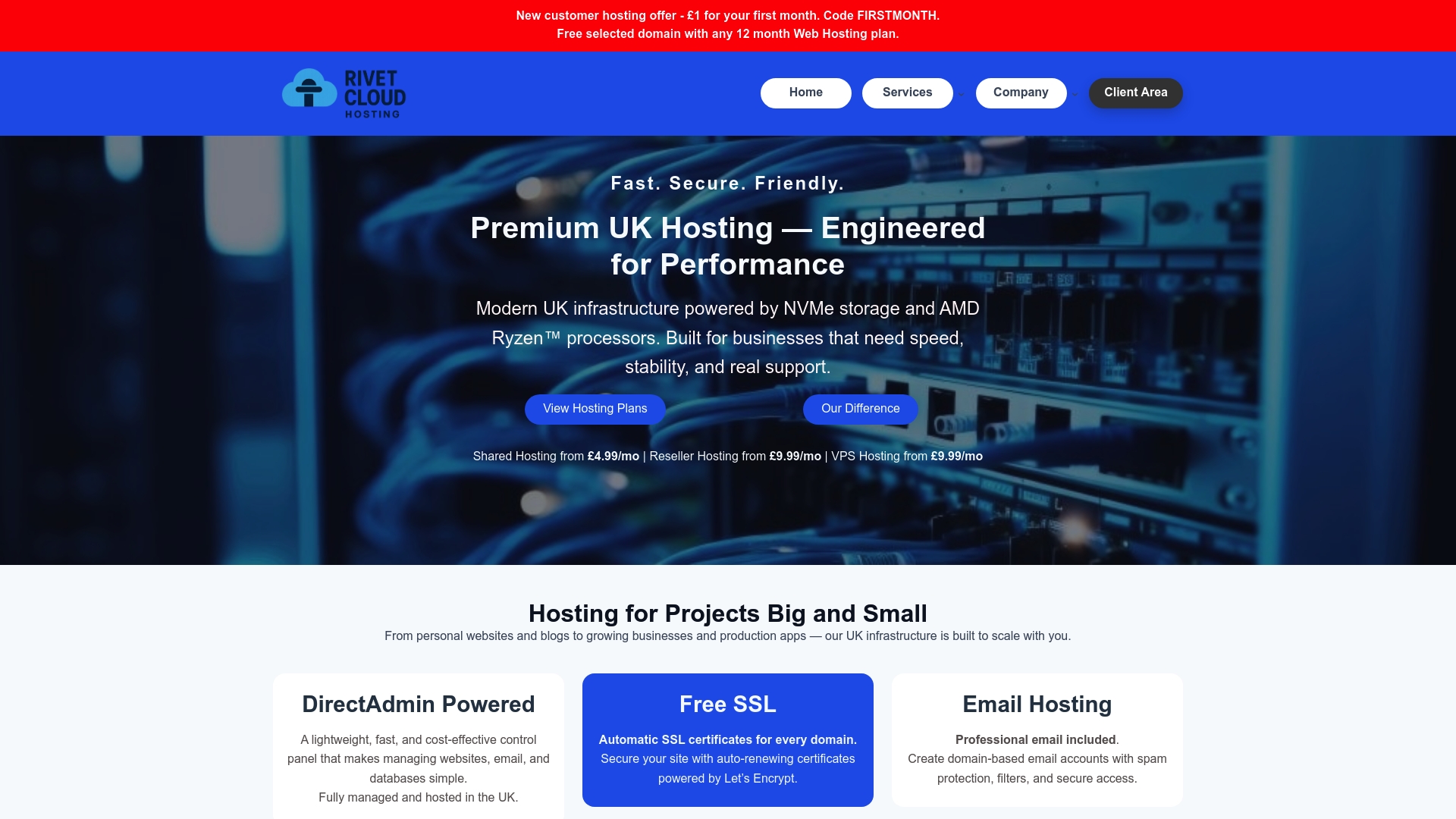
Built-in caching, CDN integration, and comprehensive security features come standard, eliminating complex plugin stacks. Free SSL certificates, anti-malware firewalls, and daily offsite backups protect your business without ongoing configuration. DirectAdmin control panels and expert UK-based support make management straightforward for busy SMB owners. Visit Rivet Cloud Hosting to discover faster, safer WordPress hosting tailored for UK businesses ready to compete effectively online.
Frequently asked questions
How can I tell if my current hosting is slowing down my WordPress site?
Run your site through GTmetrix or Google PageSpeed Insights to measure server response time. Response times consistently above 600 milliseconds indicate hosting bottlenecks. Check if your hosting uses outdated technology like HDD storage or shared resources with hundreds of other sites.
What caching and CDN solutions work best for UK-based WordPress sites?
WP Rocket and W3 Total Cache are popular caching plugins offering full-page, object, and browser caching with minimal configuration. For CDN, Cloudflare and StackPath maintain UK nodes that reduce latency for British visitors. Choose providers with explicit UK infrastructure rather than European-only coverage.
How often should I back up my WordPress site to ensure security?
Daily automated offsite backups are recommended for active sites with regular content updates or transactions. Test your restoration process quarterly to verify backups work when needed. Many hosts include daily backups as standard, but confirm they're stored offsite rather than on the same server.
What key performance metrics should I monitor post-optimisation?
Focus on Core Web Vitals: Largest Contentful Paint (LCP), Interaction to Next Paint (INP), and Cumulative Layout Shift (CLS). Use Google PageSpeed Insights for regular checks and install a Real User Monitoring plugin to track actual visitor experiences. Monitor these metrics monthly and investigate any degradation immediately to maintain gains.